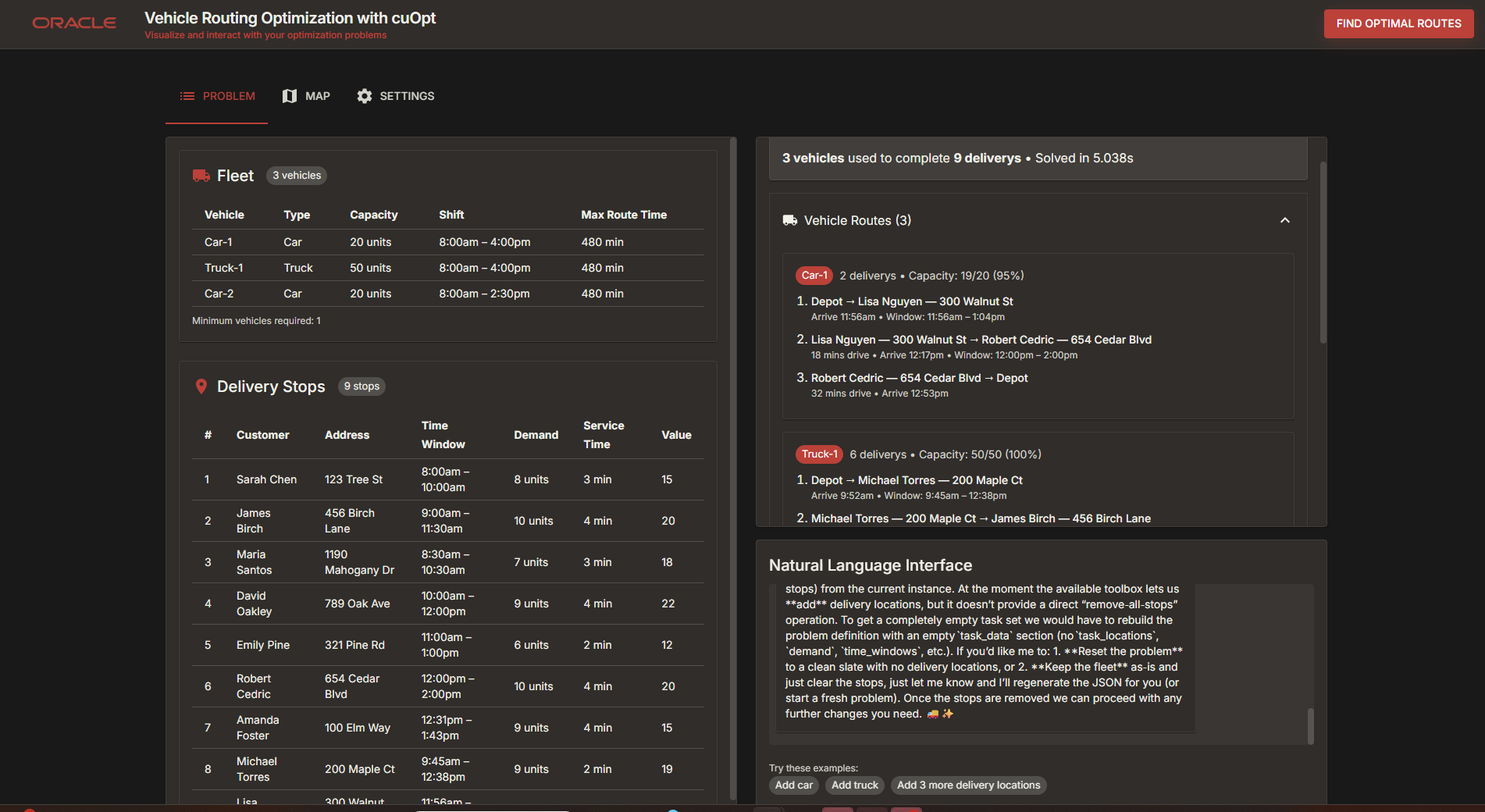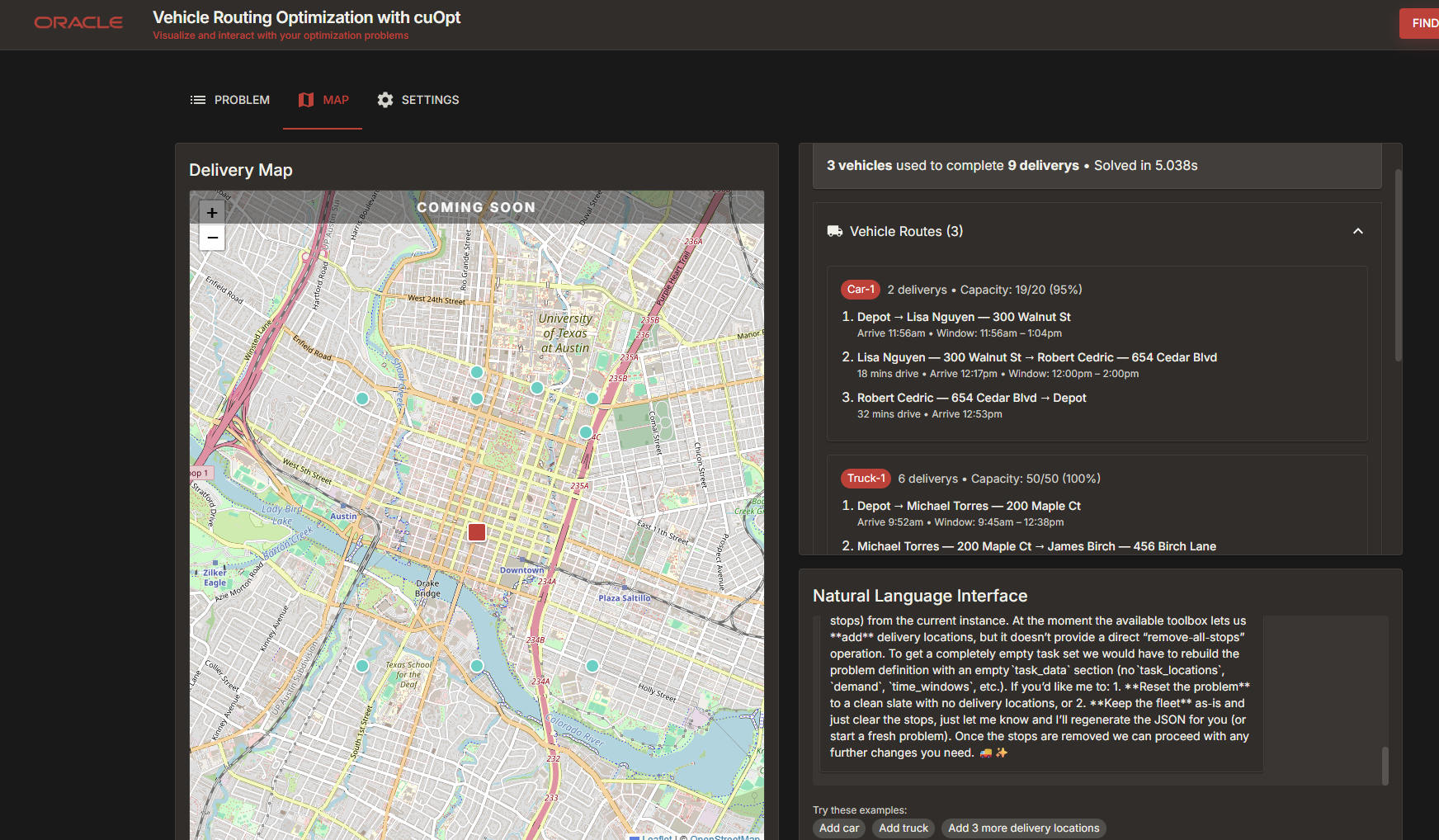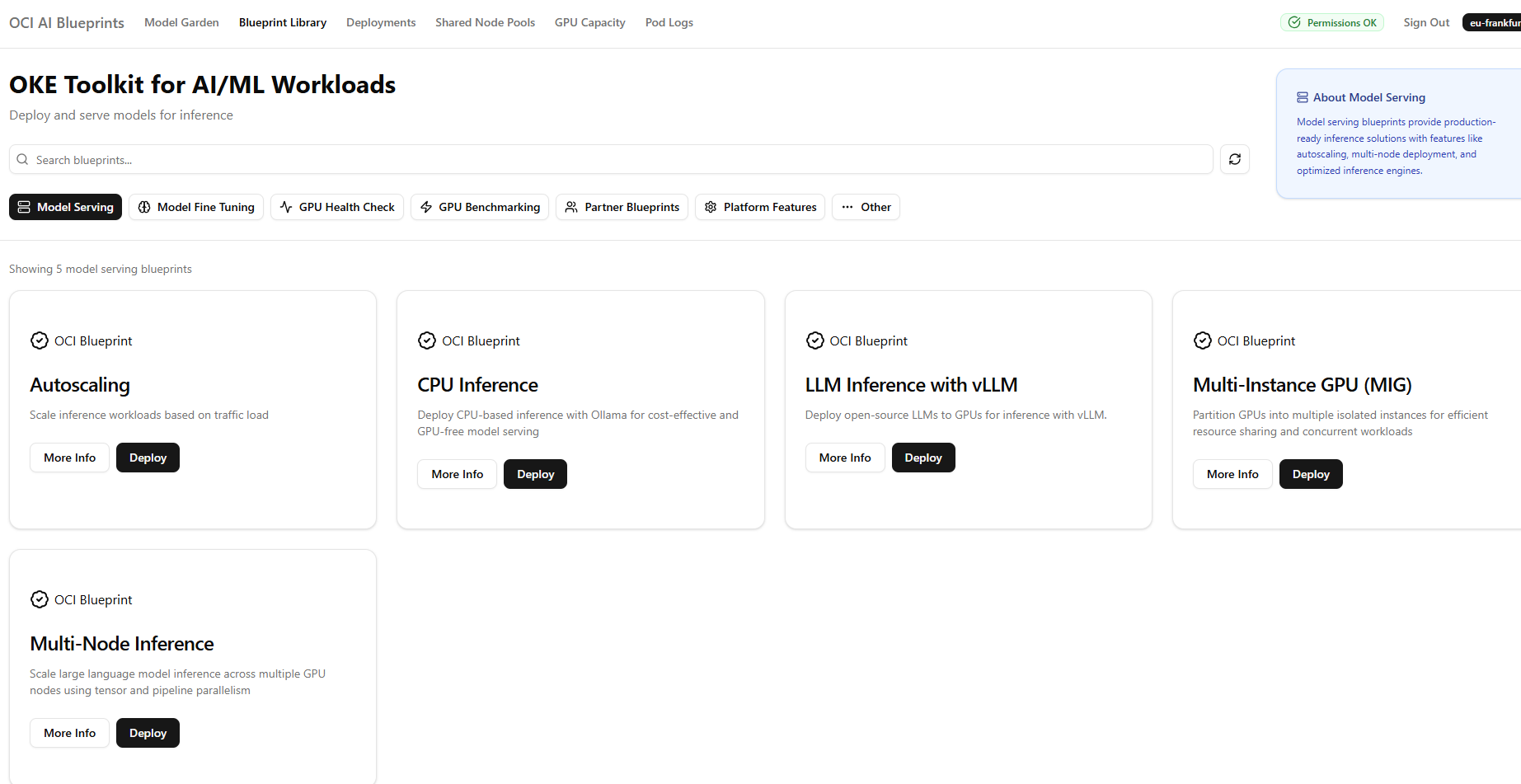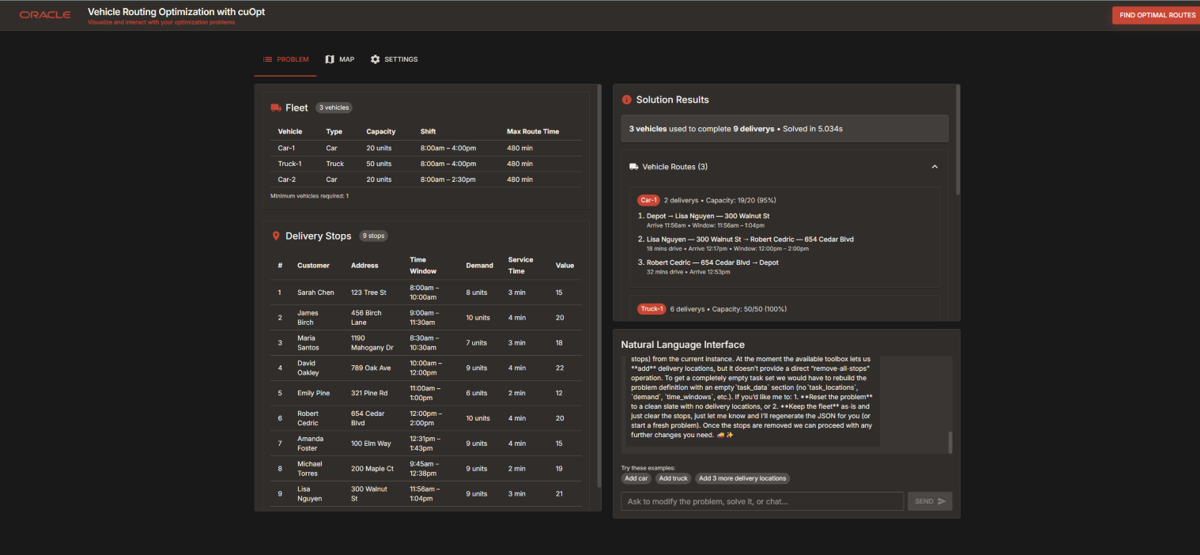
Cookbook about Deploying OCI AI Accelerator Pack Vehicle Route Optimizer
We will navigate you with steps to select and deploy one of the OCI AI Accelerator packs. We demonstrate Vehicle Route Planning.
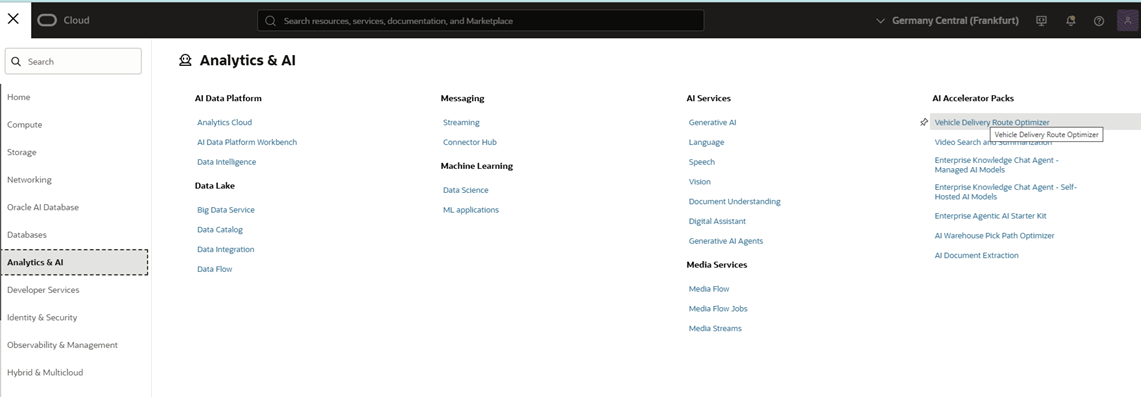
Step 1 : Navigate tp Analytics & AI and under AI Accelerator Packs select Vehicle Delivery Route Optimizer
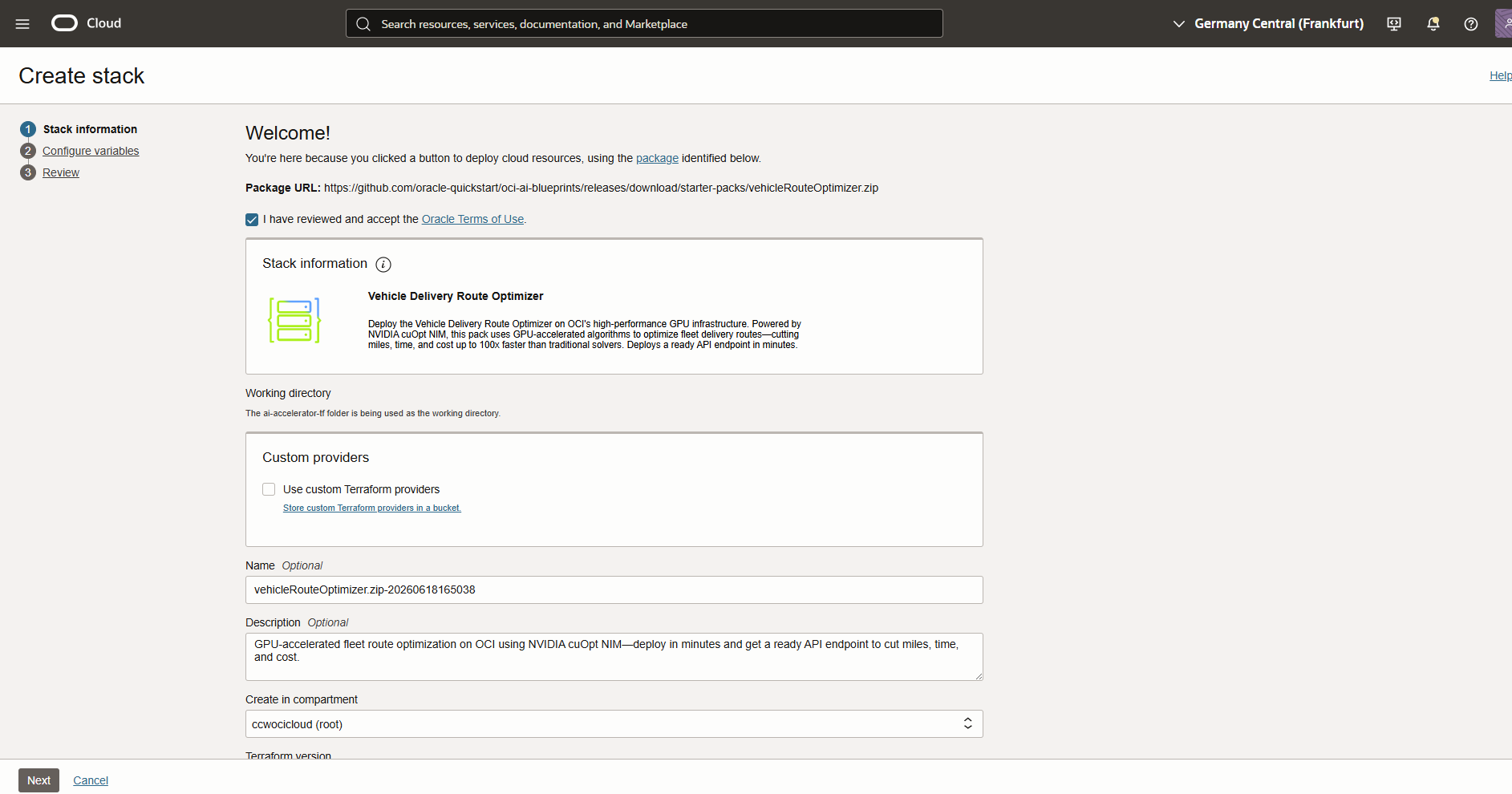
OCI will navigate you to the stack creation wizard, which is using pre-configured terraform template to create a new stack. Click Next
Step 2: Accept the Oracle Terms of Use and choose Name, Description and compartment
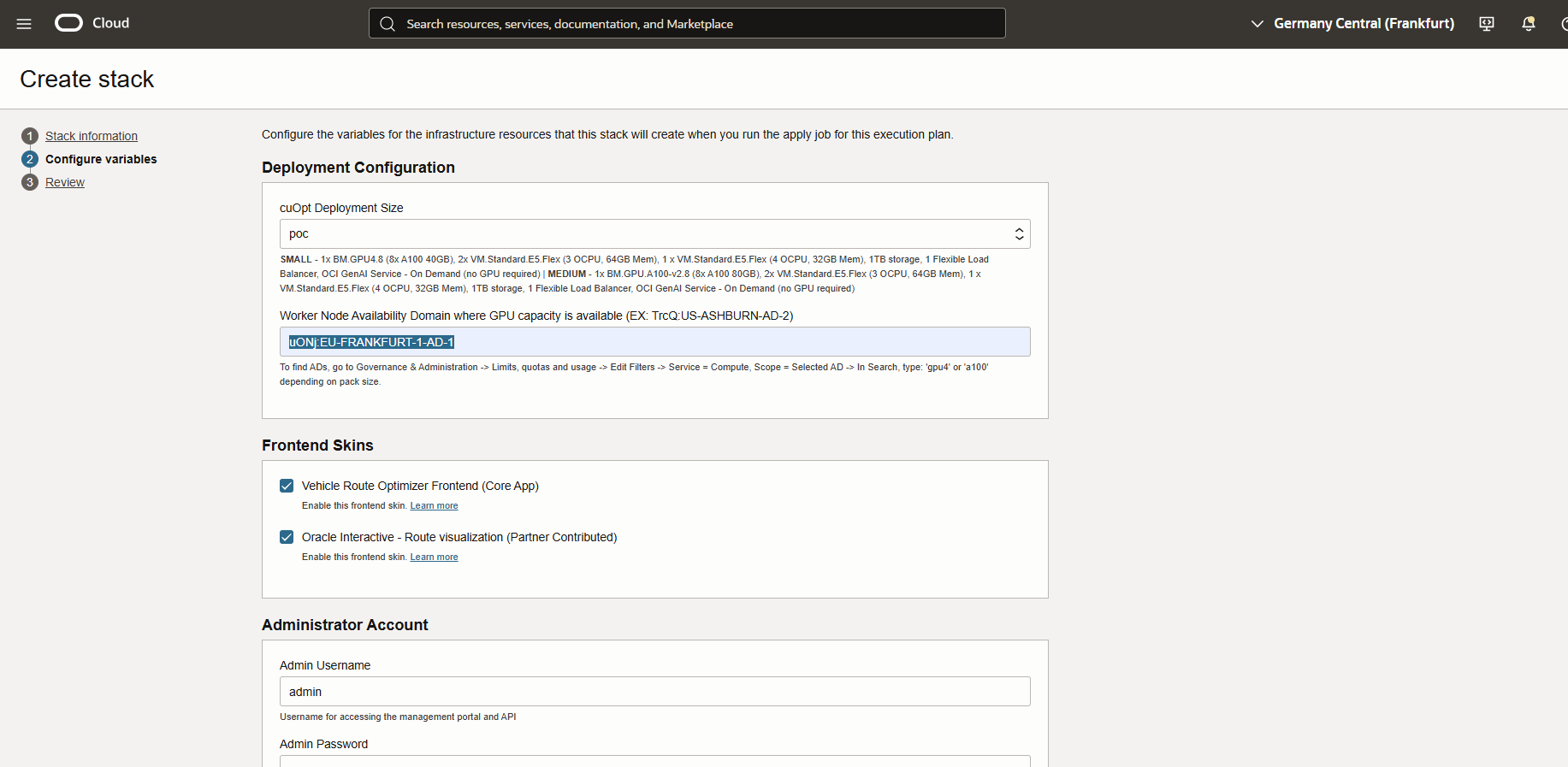
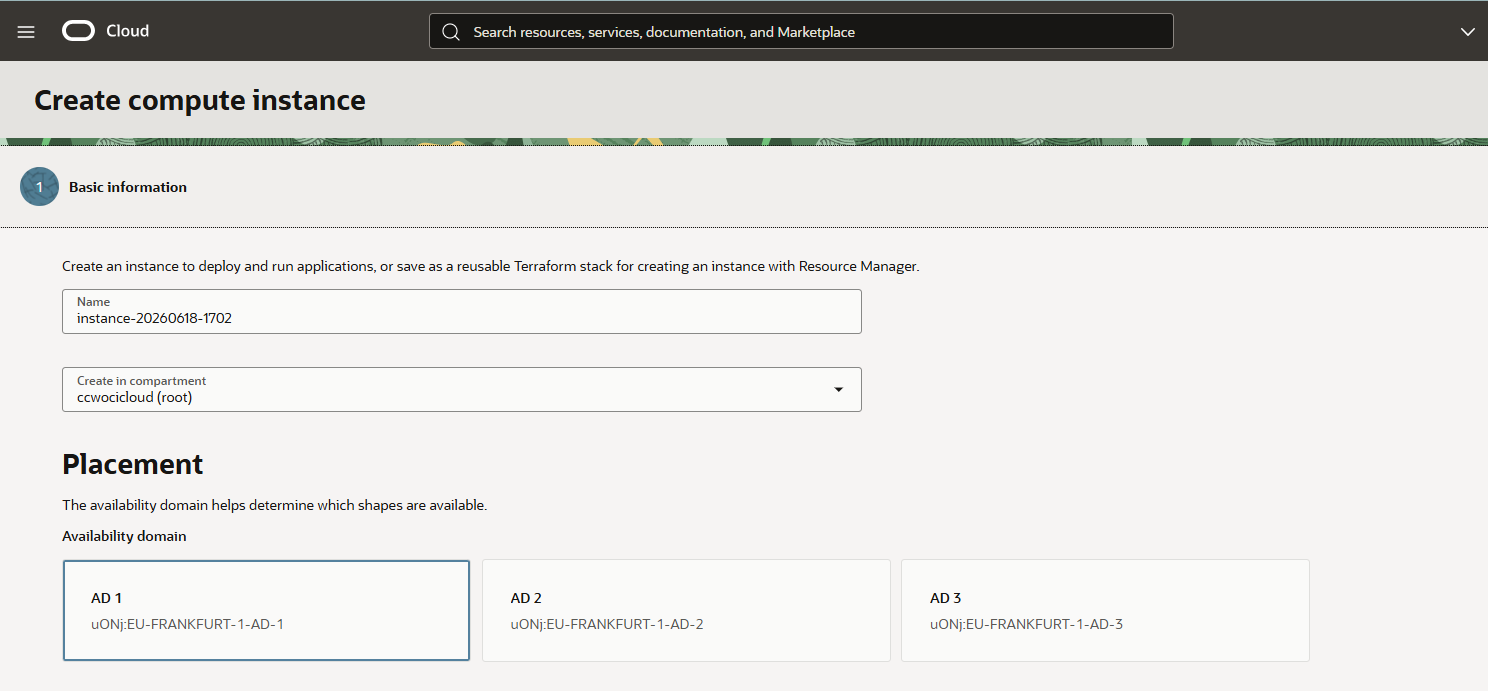
Step 3 :Choose Deployment Size, I am selecting poc, the sizing is descriptive under the picklist. Worker Node , for Europe it is typicaly uONj:EU-FRANKFURT-1-AD-1. In Step 4 optional we explain how to get it
Step 4 /Optional/ : Get the Worker Node via OCI Console : Compute -> Instances -> Create Instance. Under AD you see 3 options
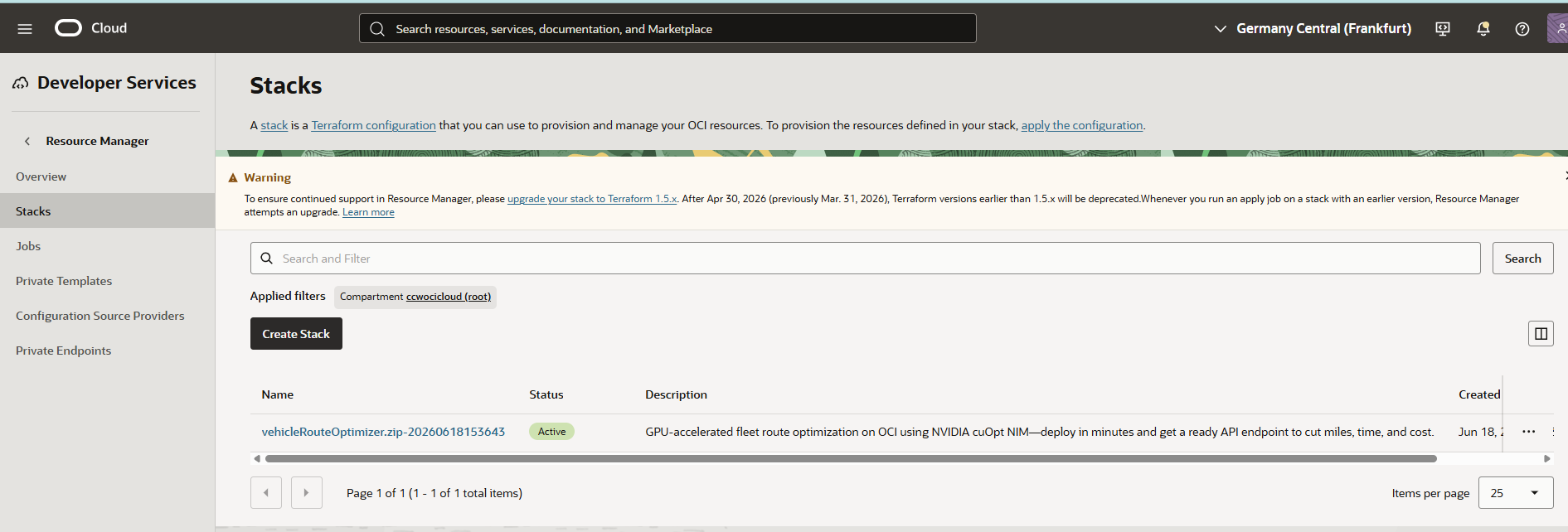
Step 5 : Finish the steps and the job will create a new stack. Review it under Developer Services -> Stacks
Step 6. When the APPLY job is finished review Application Information :
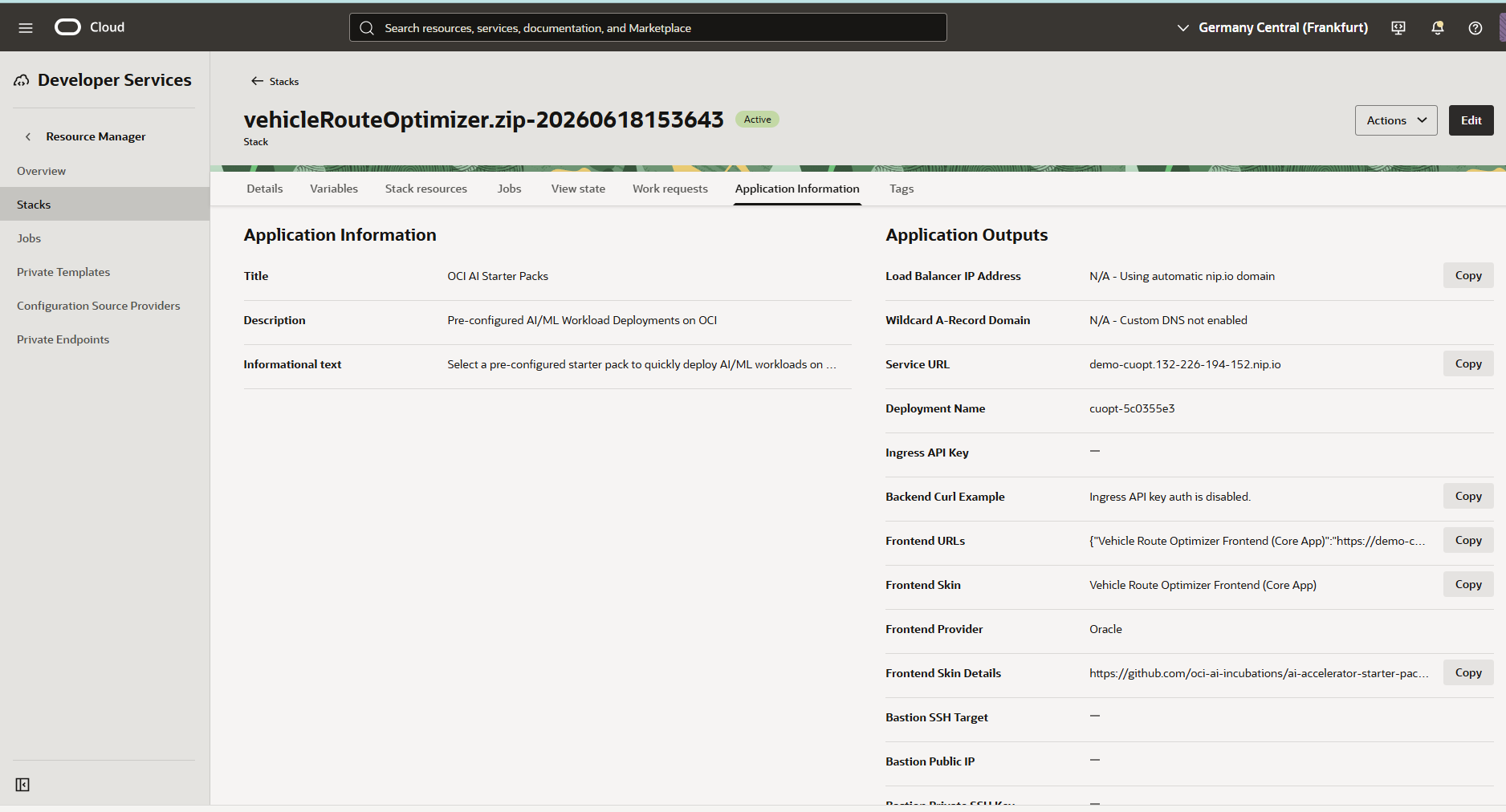
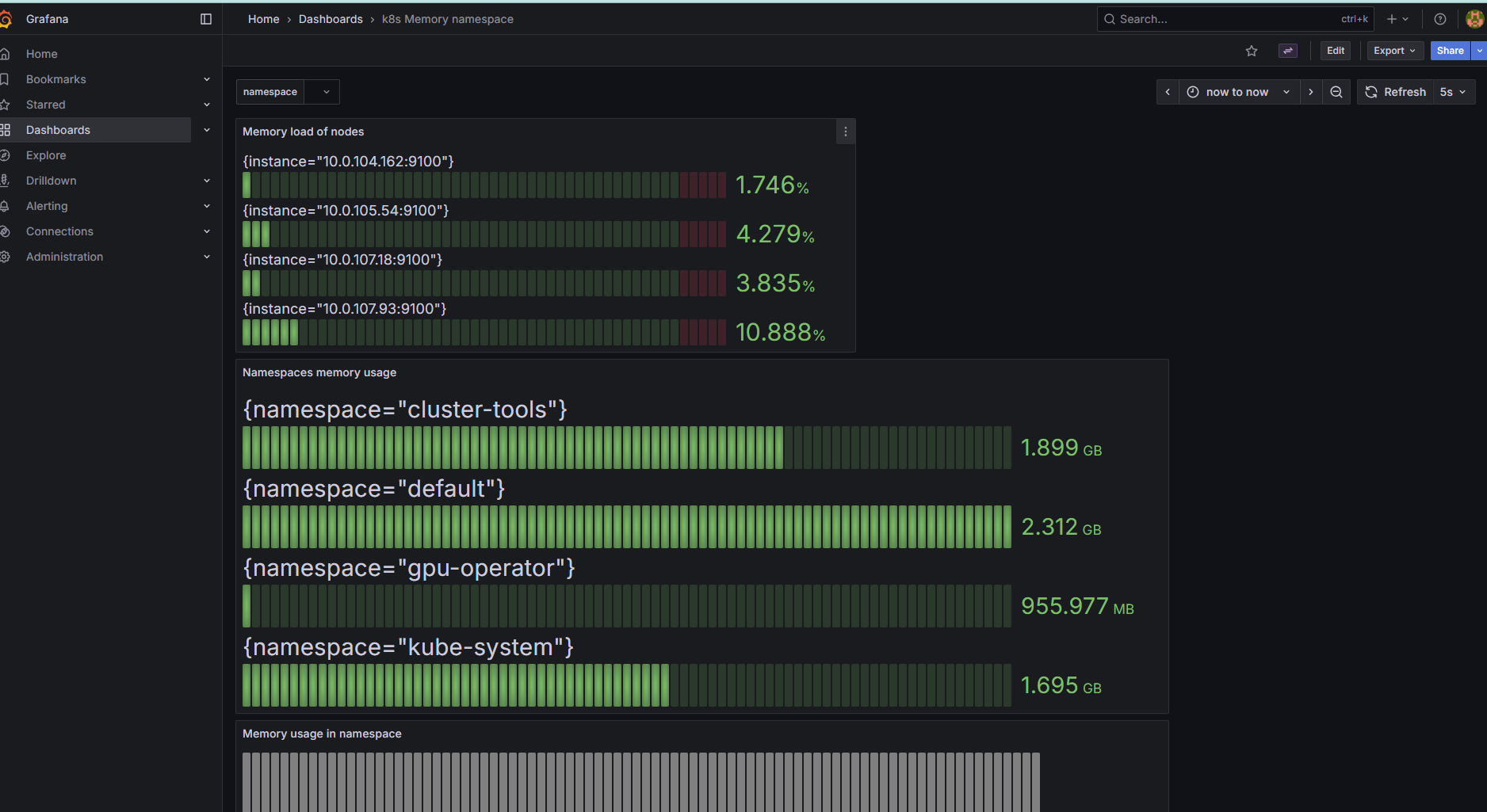
You can find there url for Service URL, Management POrtal, API Endpoint, Users and passwords, Grafana and Prometheus URL . Enjoy