
Siebel portlet refresh issue due to caching configuration in tomcat
IP2018 portlet refresh issue due to a custom cache configuration in tomcat
We are integrating siebel portlets into backoffice intranet portal to expose some entities which are mastered in Siebel CRM. With the upgrade to IP2017/2018 many reported issues regarding portlets were fixed.
Typical portlet url is : https://siebelserver/siebel/app/fins/deu/?SWECmd=GetApplet&SWEApplet=Contact+List+Applet&IsPortlet=1&KeepAlive=1&PtId=AURORA
The portlet can be included as an iframe within other web application in your organization. Typical usecase is include opportunities from CRM into agent portal or contracts etc.
After final configuration of siebel architecture short before go live with the upgrade, we have noticed problems with the refresh of siebel portlets. Further analysis showed it has connection with our caching configuration of tomcat in the web.xml
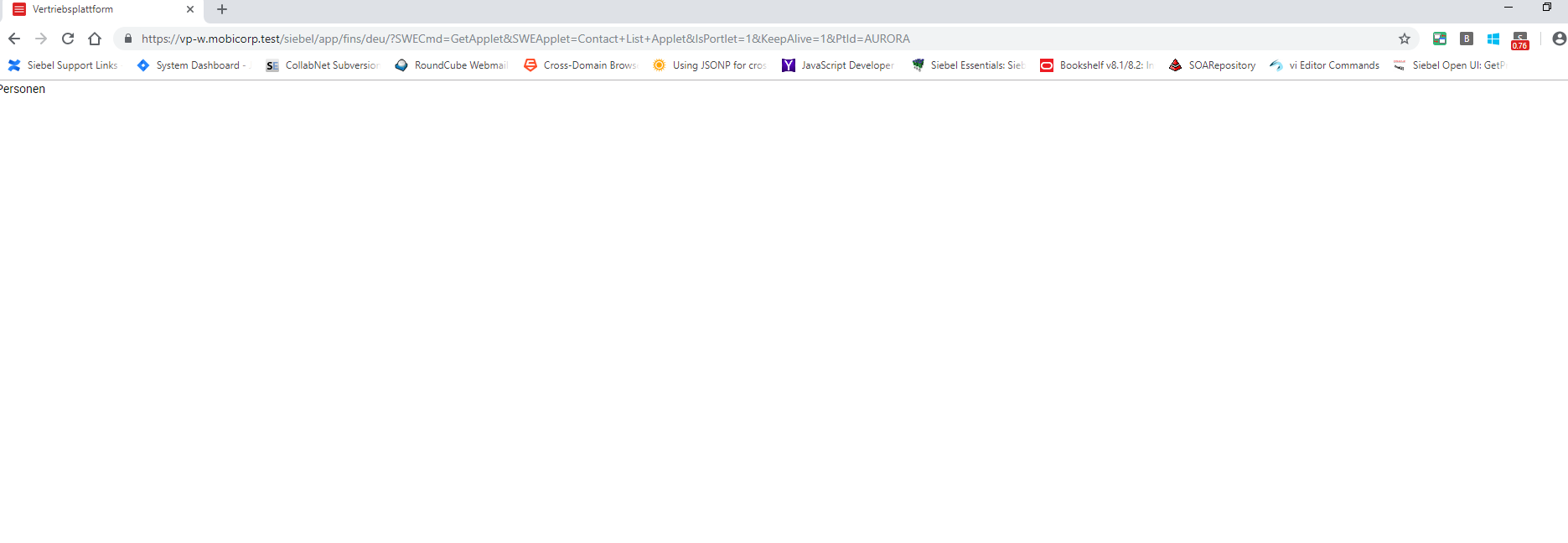
The behaviour is that portlet is firstly rendered correctly. We have observed this behaviour with chrome and firefox. For the Internet Explorer 11 we couldn`t reproduce the issue.
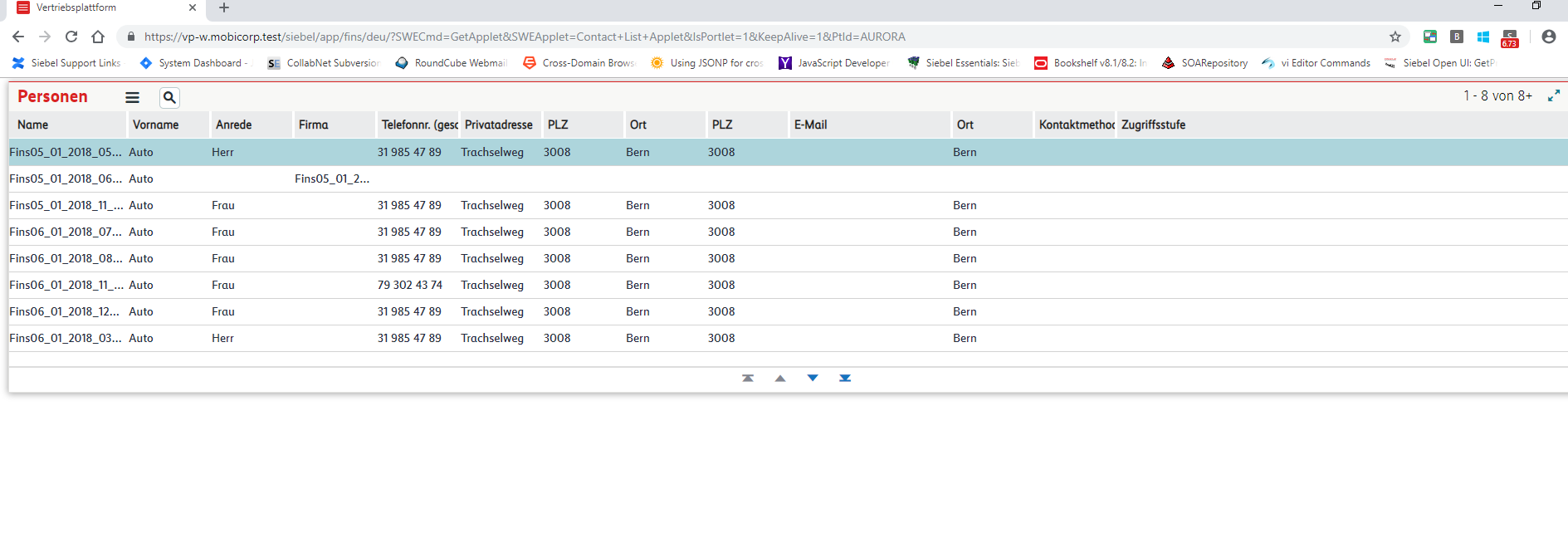
After refresh the layout don`t come again.
The file for tomcat8 cache configuration web.xml is typically located in
/app/siebel/applicationcontainer/configuration
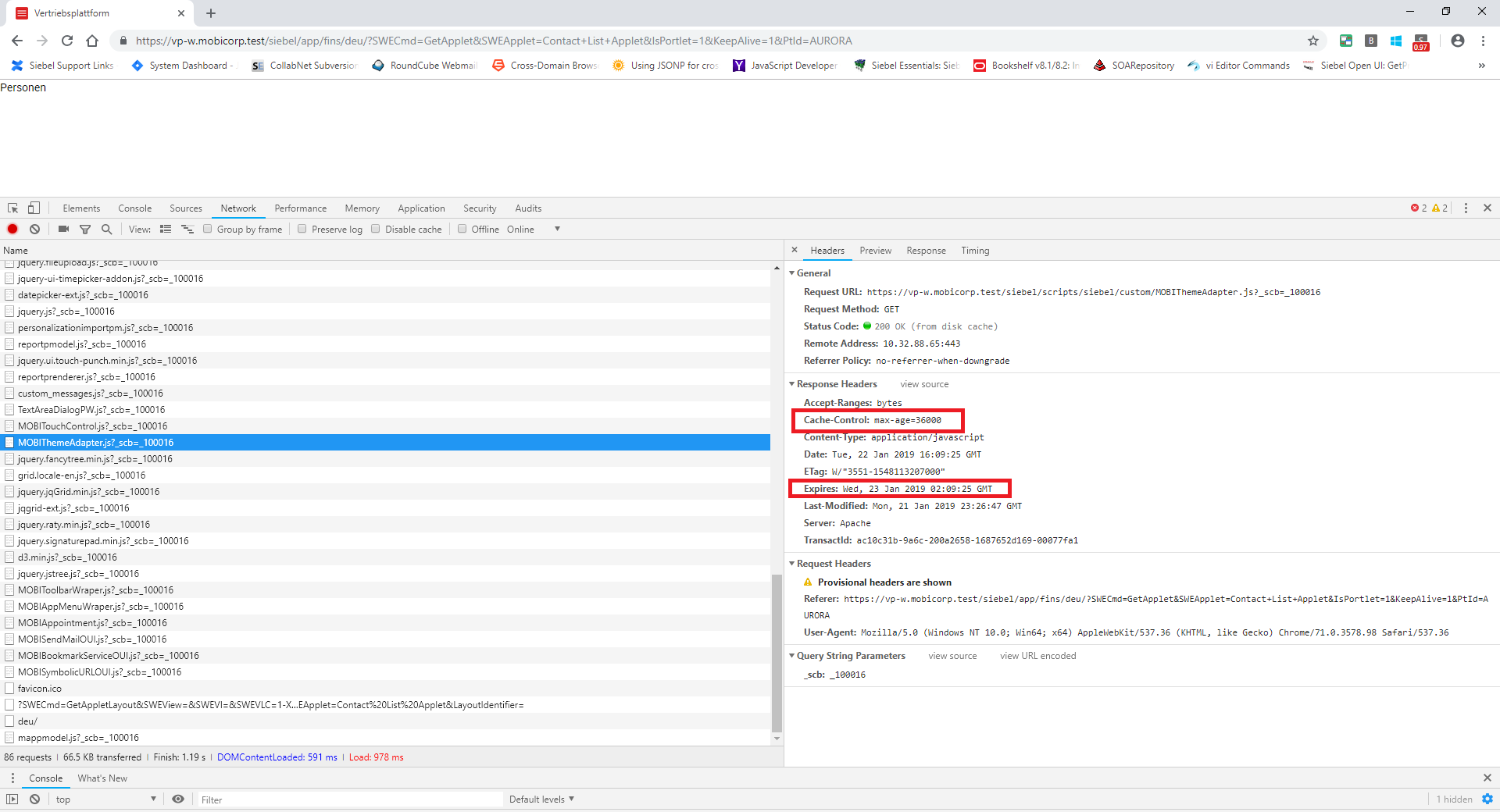
The standard cache configuration makes sure there is a cache control and the .js files are invalidated after 10 hours. We want have agile releases and we can have potentially deploument every day. The .js files needs to be invalidated after working hours. Other files such as images can remain in the cache for 7 days. Performance is a high prio criteria when considering configuration of cache.
This is how in chrome can the cache properties be debugged with developer tools (F12). Click to network and every file has headers properties :
Our custom configuration, where the refresh issue of a portlet occurs looks like :
<filter>
<filter-name>ExpiresFilter</filter-name>
<filter-class>org.apache.catalina.filters.ExpiresFilter</filter-class>
<init-param>
<param-name>ExpiresDefault</param-name>
<param-value>access plus 7 days</param-value>
</init-param>
<init-param>
<param-name>ExpiresByType image</param-name>
<param-value>access plus 10 hours</param-value>
</init-param>
<init-param>
<param-name>ExpiresByType text</param-name>
<param-value>access plus 10 hours</param-value>
</init-param>
<init-param>
<param-name>ExpiresByType application/javascript</param-name>
<param-value>access plus 10 hours</param-value>
</init-param>
</filter>
<filter-mapping>
<filter-name>ExpiresFilter</filter-name>
<url-pattern>/*</url-pattern>
<dispatcher>REQUEST</dispatcher>
</filter-mapping>
Standard OOTB configuration which comes with tomcat installation is :
<filter>
<filter-name>ExpiresFilter</filter-name>
<filter-class>org.apache.catalina.filters.ExpiresFilter</filter-class>
<init-param>
<param-name>ExpiresByType image</param-name>
<param-value>access plus 10 minutes</param-value>
</init-param>
<init-param>
<param-name>ExpiresByType text/css</param-name>
<param-value>access plus 10 minutes</param-value>
</init-param>
<init-param>
<param-name>ExpiresByType application/javascript</param-name>
<param-value>access plus 10 minutes</param-value>
</init-param>
</filter>
<filter-mapping>
<filter-name>ExpiresFilter</filter-name>
<url-pattern>/*</url-pattern>
<dispatcher>REQUEST</dispatcher>
</filter-mapping>
With this configuration the refresh issue doesn`t occur.
Conclusion : Oracle doesn`t give guarantee for the components outside siebel. The portlet concept is still new and not that widely used, so the customers using it have to cooperate tighlty with oracle to make it work in different architetucture and software landscapes. As the IP2018 is new there is not yet recommended configuration for web.xml in tomcat8 in the mind with performance and stability. We will together with Oracle elaborate optimal solution and share our experience with the siebel community through our web.
https://docs.oracle.com/cd/E95904_01/books/SiebInstWIN/SiebInstCOM_WhatsNew.html#wp1744114





